Basic SAR theory
Explore the capabilities of satellite observation with Synthetic Aperture Radar (SAR) through ICEYE’s educational webinars. Aimed at researchers, professionals, and aspiring SAR users, these sessions provide practical knowledge on data analysis, map creation, infrastructure monitoring, natural disaster detection, and much more.
Learn from ICEYE experts how to fully leverage SAR data for applications in security, environmental monitoring, maritime surveillance, and strategic analysis – anytime, anywhere, regardless of weather or time of day.
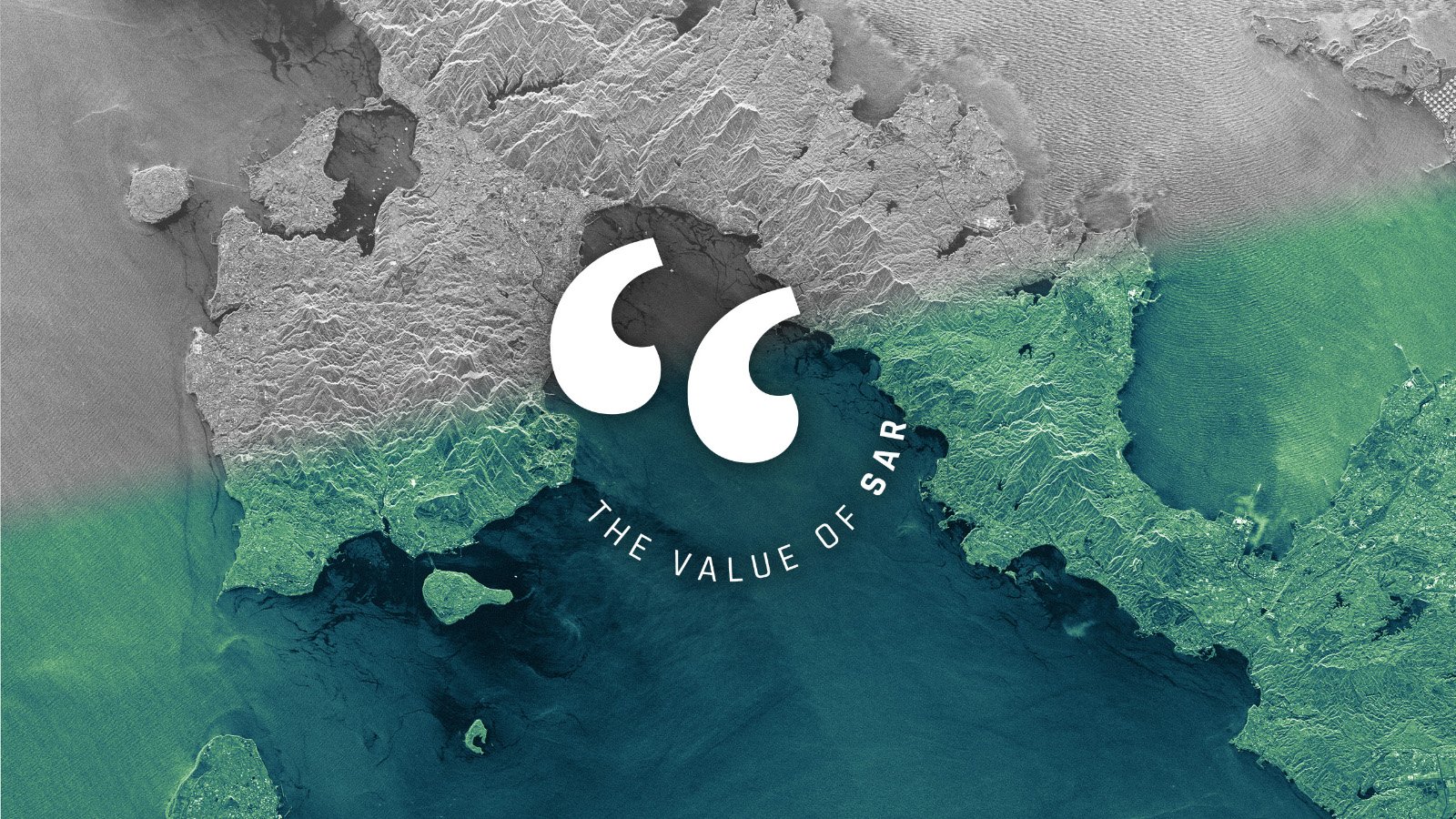
Source: ICEYE, “Let’s Talk About the Value of SAR,” ICEYE Blog — 13 April 2022 (https://www.iceye.com/blog/lets-talk-about-the-value-of-sar)
Getting started with SNAP
Learn the basics or preprocessing, georeferencing & exporting Synthetic Aperture Radar (SAR) data using the Sentinel Application Platform (SNAP). This short, hands-on tutorial, provided by ICEYE, walks you through installing the recommended SNAP version, opening SLC/GRD samples, & performing common first steps such as radiometric calibration, co-registration & export in a beginner friendly tutorial.
Source: ESA / Copernicus, “ESA releases new and improved version of SNAP,” 30 June 2022, Sentinel Online (https://sentinels.copernicus.eu/-/esa-releases-new-and-improved-version-of-snap)
Getting started with QGIS
QGIS offers a flexible environment for working with Synthetic Aperture Radar (SAR) imagery once the data has been preprocessed (through software like SNAP, Catalyst etc.). In this tutorial you'll learn how to:
- Import SAR products (e.g. ICEYE, Sentinel-1)
- Convert backscatter values to decibels using the Raster Calculator
- Apply visualization techniques such as RGB composites & contrast stretching
- Perform thresholding & classification to extract features like land cover or water bodies
- Integrate SAR layers with optical or vector datasets for advanced analysis
This section is a designed step-by-step guide for users who want a hands-on, QGIS-centered workflow that translates radar data into accurate maps & decision-ready products.

Source: QGIS Project, “QGIS Style Guide” (qgis.org)